



Design the room around the meeting.
From small meeting rooms to boardrooms and larger collaborative spaces, Bridge AV supports the trade with conferencing system design and product specification built around the room, the users and the way they need to communicate.
Every meeting space asks something different of the system.
Room size, seating layout, acoustics, camera positions, presentation requirements and the preferred meeting workflow all affect the right approach. We help turn those requirements into a practical system design before the product list is finalised.
Turn the room requirements into a system plan.
Conferencing system design & specificationSend us the room dimensions, drawings, seating layout, preferred conferencing workflow and expected use. We can support system architecture, product selection and specification around the needs of the project.
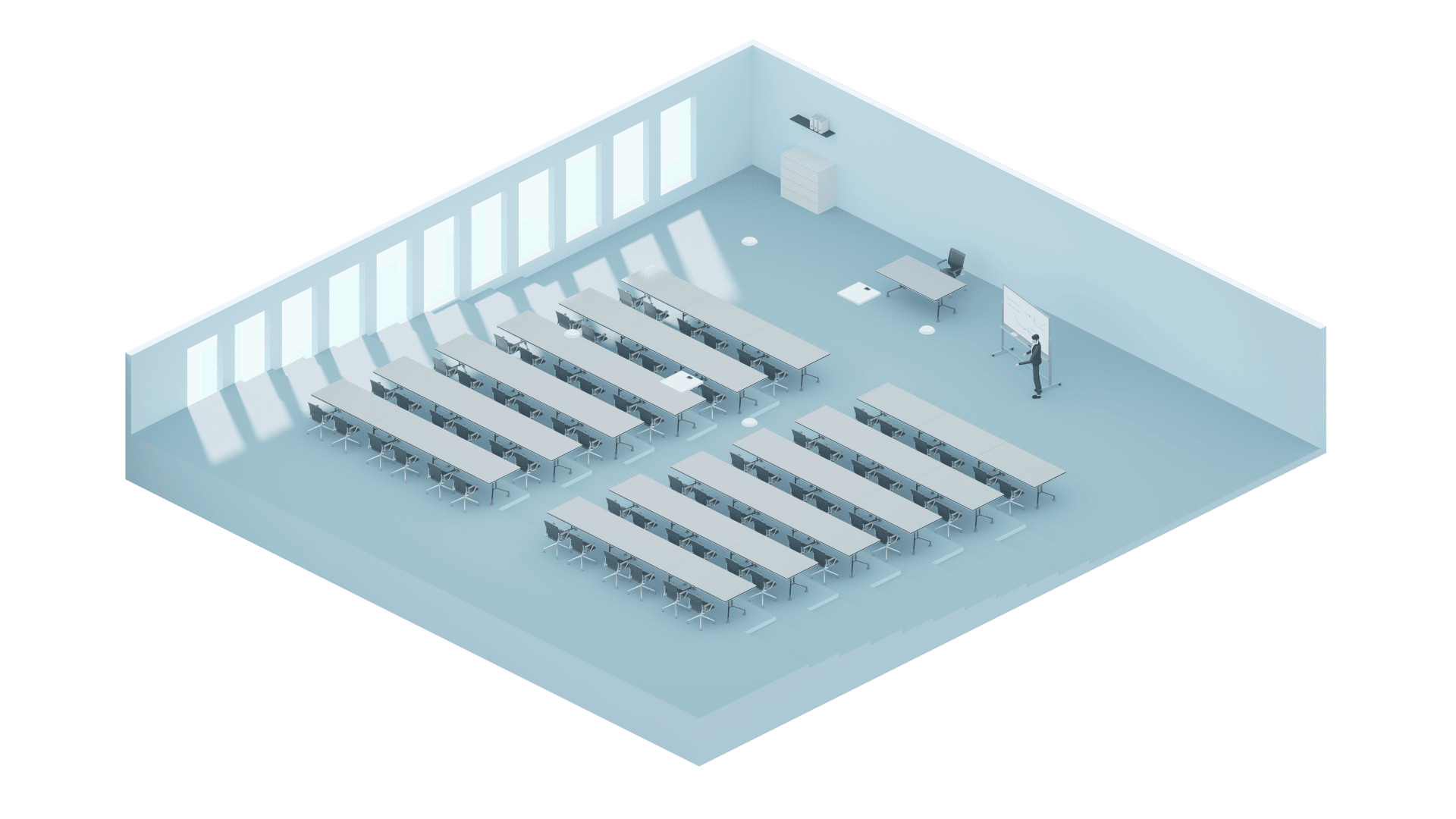
Dimensions, furniture, seating, acoustics and display positions.
Teams, Zoom, BYOD, presentation and everyday user requirements.
Microphones, DSP, cameras, video, USB, audio and control.
Select complementary technologies from the ranges we represent.
Let people speak naturally.
Sennheiser TeamConnect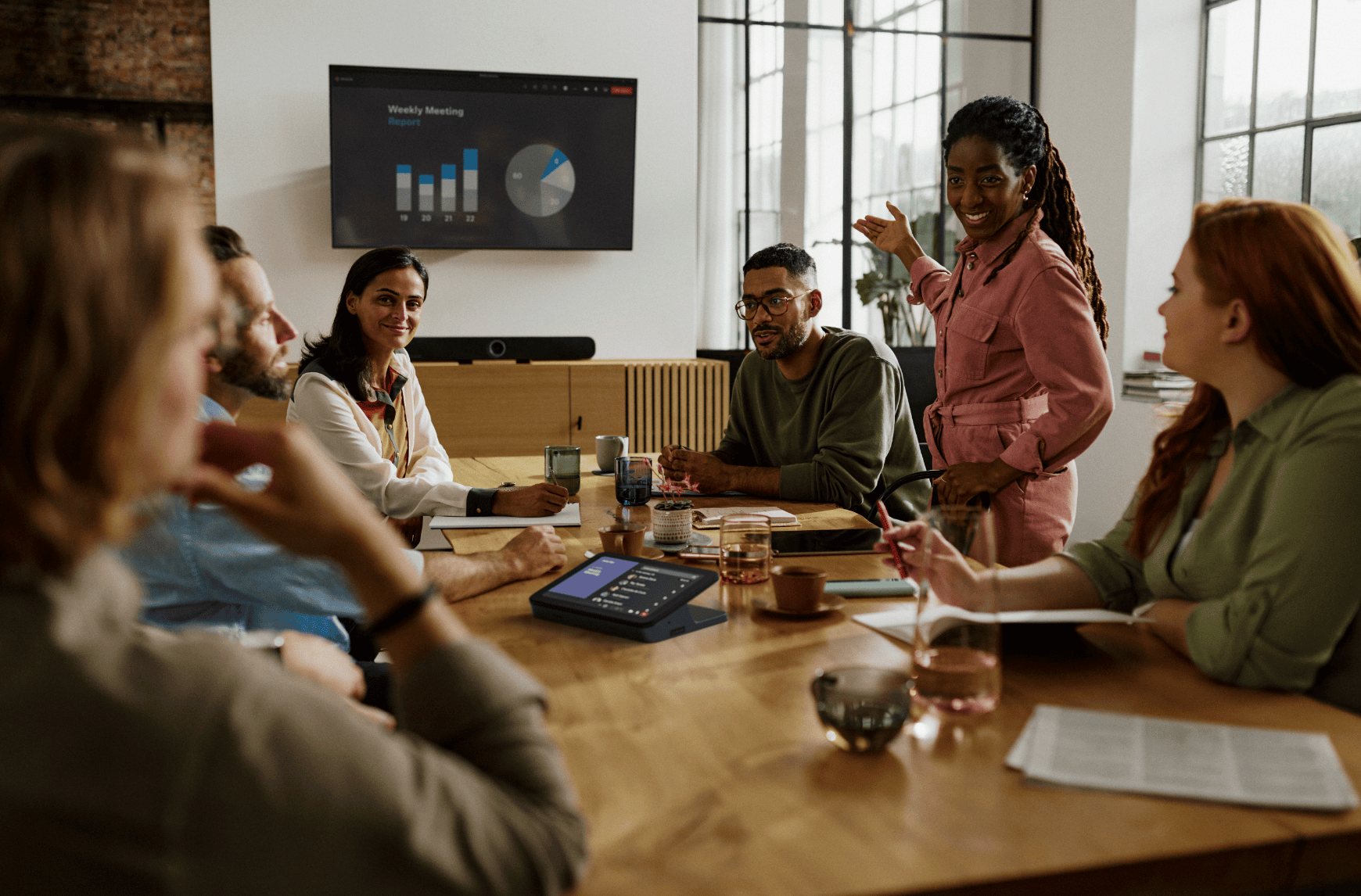
Microphone coverage should be designed around where people actually sit, stand and move within the room. Ceiling-based solutions can help maintain natural conversation without filling the meeting table with equipment.
- Coverage Pickup should cover the required participant positions rather than relying on people moving towards a microphone.
- Room layout Table shape, seating positions and ceiling height all influence the appropriate microphone approach.
- Natural use Ceiling microphone systems can leave tables clear while allowing participants to speak normally from their seats.
- Integration Microphone audio should be planned together with DSP, echo cancellation, room audio and the conferencing platform.
Conference room design and system planning.
Biamp Workplace Designer & integrated meeting-room systemsThe room layout can be considered before the equipment is specified. Biamp design tools allow room dimensions, furniture and acoustic conditions to be considered so the microphone, loudspeaker and wider conferencing system can be planned around the actual space.
- Room layout Build the design around the room dimensions, ceiling height, tables and participant positions.
- Coverage Plan suitable microphone and loudspeaker locations around the room before the final equipment list is produced.
- Acoustics Consider the acoustic characteristics of the room as part of the conferencing design and audio-system specification.
- System design Develop the wider room around processing, conferencing audio, loudspeakers and compatible AV equipment as one coordinated system.
Integrated conferencing systems
Larger boardrooms, training rooms and collaborative spaces often need more than a single conferencing device. Microphones, cameras, room audio, signal distribution and control can be planned together as one complete system.
Give the remote side a useful view of the room.
Lumens PTZ & Auto-Tracking Camera Solutions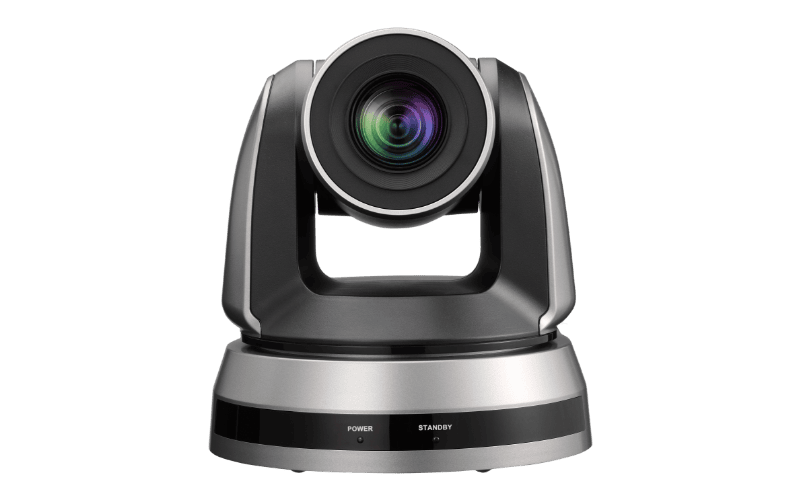
Camera selection should start with the people and areas remote participants need to see. Viewing angle, mounting position and zoom range become increasingly important as rooms become longer or more flexible.
- Framing Plan the view around participant positions rather than simply fitting the entire room into one image.
- PTZ coverage Pan, tilt and zoom can provide controlled views of different areas within larger meeting spaces.
- Tracking Automated camera behaviour can help follow presenters or activity without requiring constant manual operation.
- Multiple views Larger spaces can combine several cameras where a single position cannot represent the meeting properly.
Connect the room without complicating the meeting.
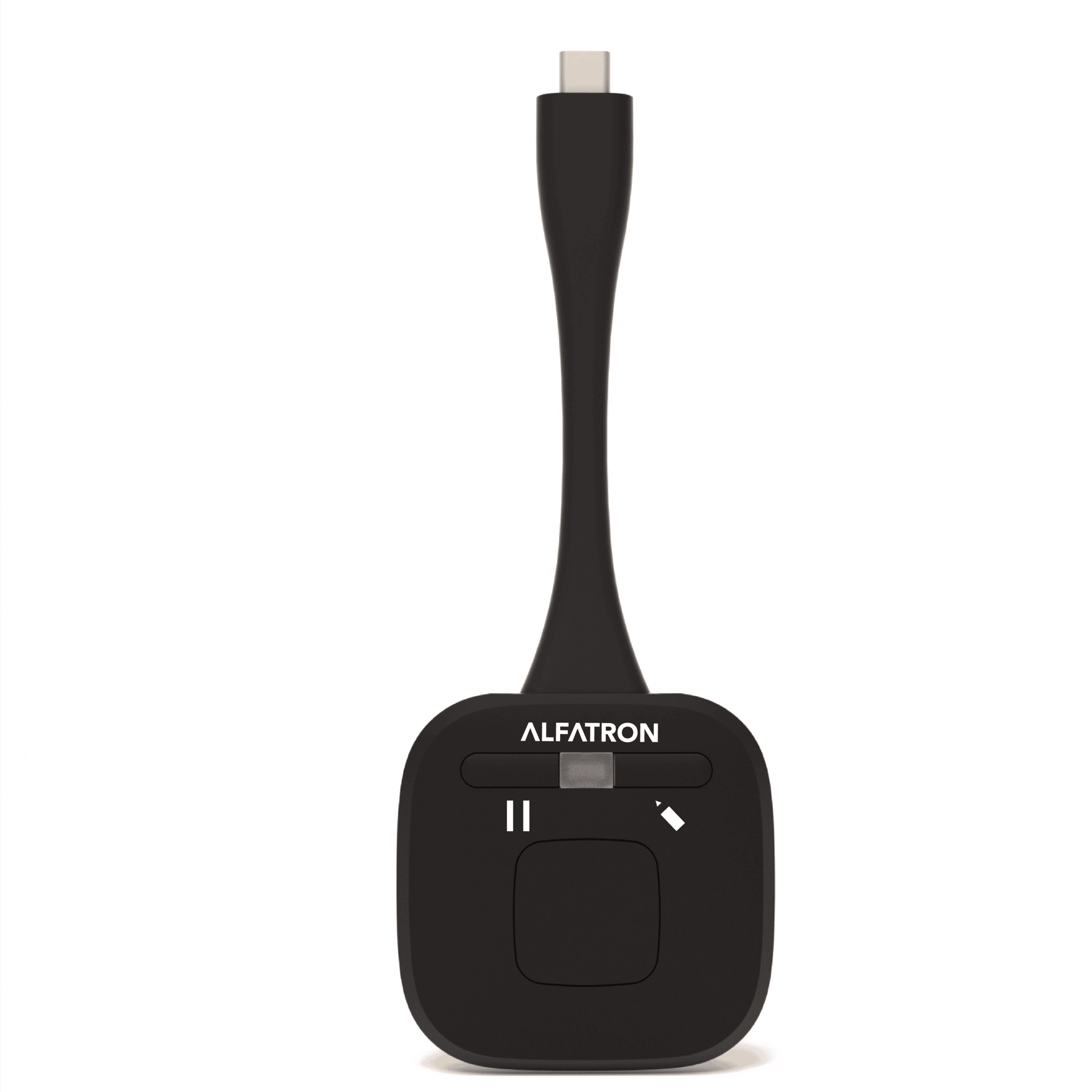
Alfatron Switching, Extension & ConnectivityMeeting rooms increasingly need to connect laptops, displays, cameras, USB devices and equipment located away from the table. The infrastructure behind the room should handle that complexity without passing it on to the user.
- USB Extend room cameras, microphones and other USB devices where equipment cannot sit beside the user.
- Video Route presentation and conferencing sources to the correct display positions around the room.
- BYOD Provide practical connection points where users need to bring their own laptop into the room system.
- Infrastructure Plan switching and extension around cable distance, equipment location and the wider AV architecture.
Put shared content where everyone can work with it.
Specktron Interactive Displays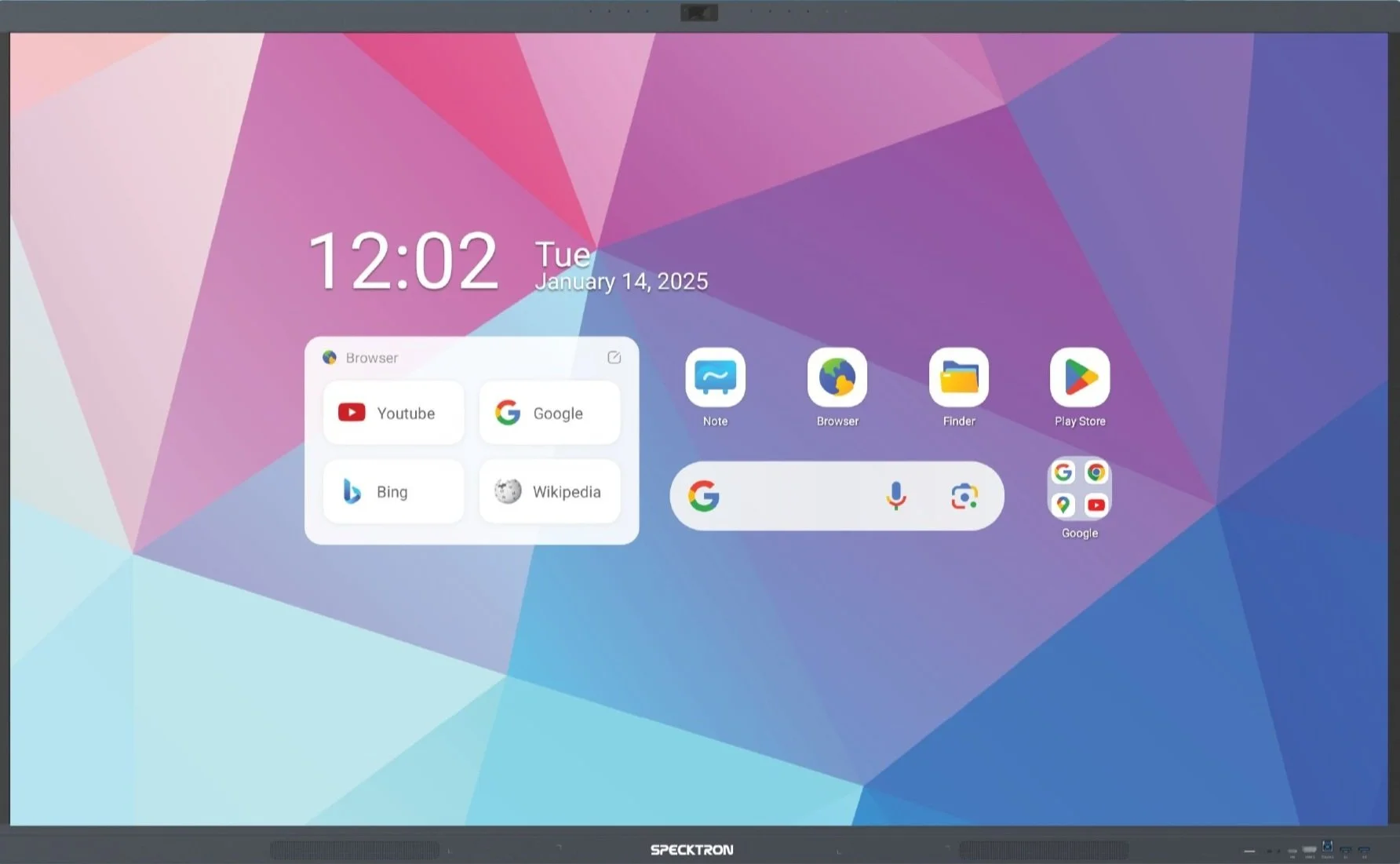
The display is often the centre of the physical meeting experience. Screen size, viewing distance and interaction should be considered around the room and the way content will actually be used.
- Viewing Display size and position should allow participants to read shared content comfortably from their seats.
- Interaction Interactive displays can support annotation and collaborative working where the meeting requires it.
- Presentation Local and guest sources can be incorporated into the wider signal and conferencing workflow.
- Room layout Display position should be coordinated with camera placement so remote interaction feels more natural.
Control the room, not just the equipment.
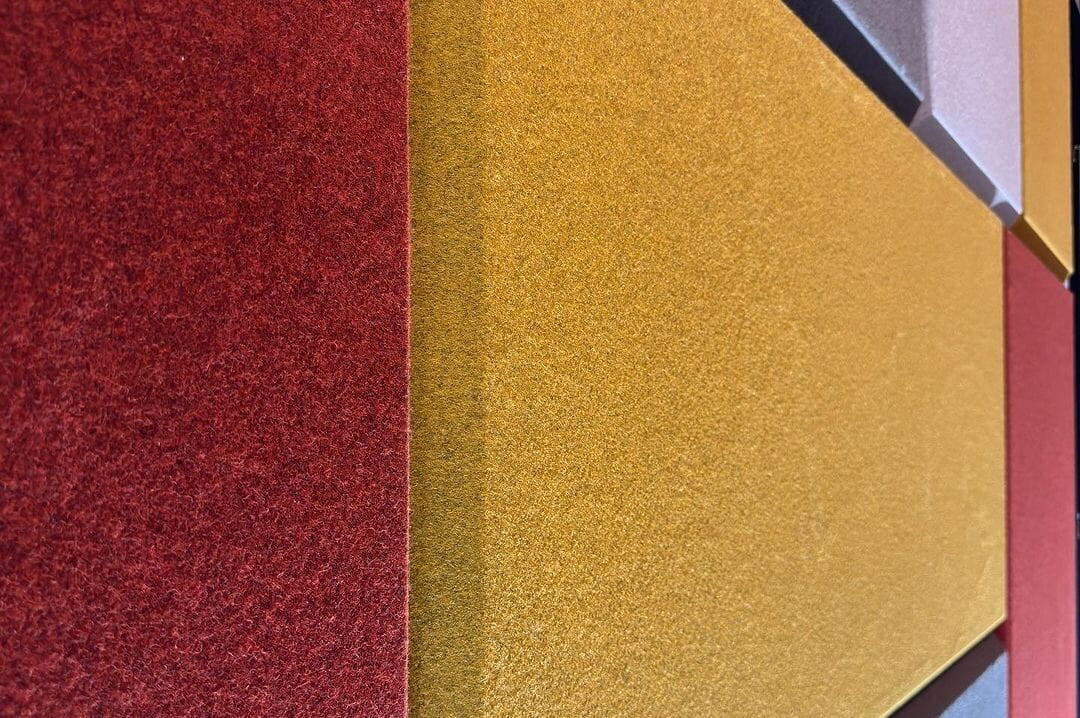
ISINAC Professional Acoustic TreatmentConferencing performance starts before the audio reaches the microphone. Reflective walls, glass, hard ceilings and long reverberation times can reduce speech clarity for both people in the room and participants joining remotely.
- Reverberation Acoustic treatment can reduce persistent reflections that make speech less clear within the room.
- Speech capture Improving the acoustic environment can give the microphone system cleaner speech to work with.
- Architecture Wall and ceiling treatments can be selected around the finished interior rather than treated as an afterthought.
- Specification Acoustic treatment can be developed around the room, materials, intended use and wider AV system design.
Tell us about the room. We will help shape the solution.
Send us the dimensions, drawings, seating layout, meeting workflow and any existing equipment. Bridge AV can support the trade with system architecture, product selection and specification for the complete conferencing environment.