



Design the AV around the way people learn.
From everyday classrooms to lecture theatres and flexible teaching spaces, Bridge AV supports the trade with AV design, product selection and system specification built around the space, the users and the way the technology needs to be used.
Technology should support teaching.
A classroom may need a reliable interactive display and clear local sound, while lecture theatres and larger teaching spaces can require wireless microphones, distributed audio, PTZ cameras, presentation connectivity, acoustic treatment and assisted listening. The system should be designed around how the space will actually be used.
Keep teaching content clear and interactive.
Specktron UDX S2 interactive displays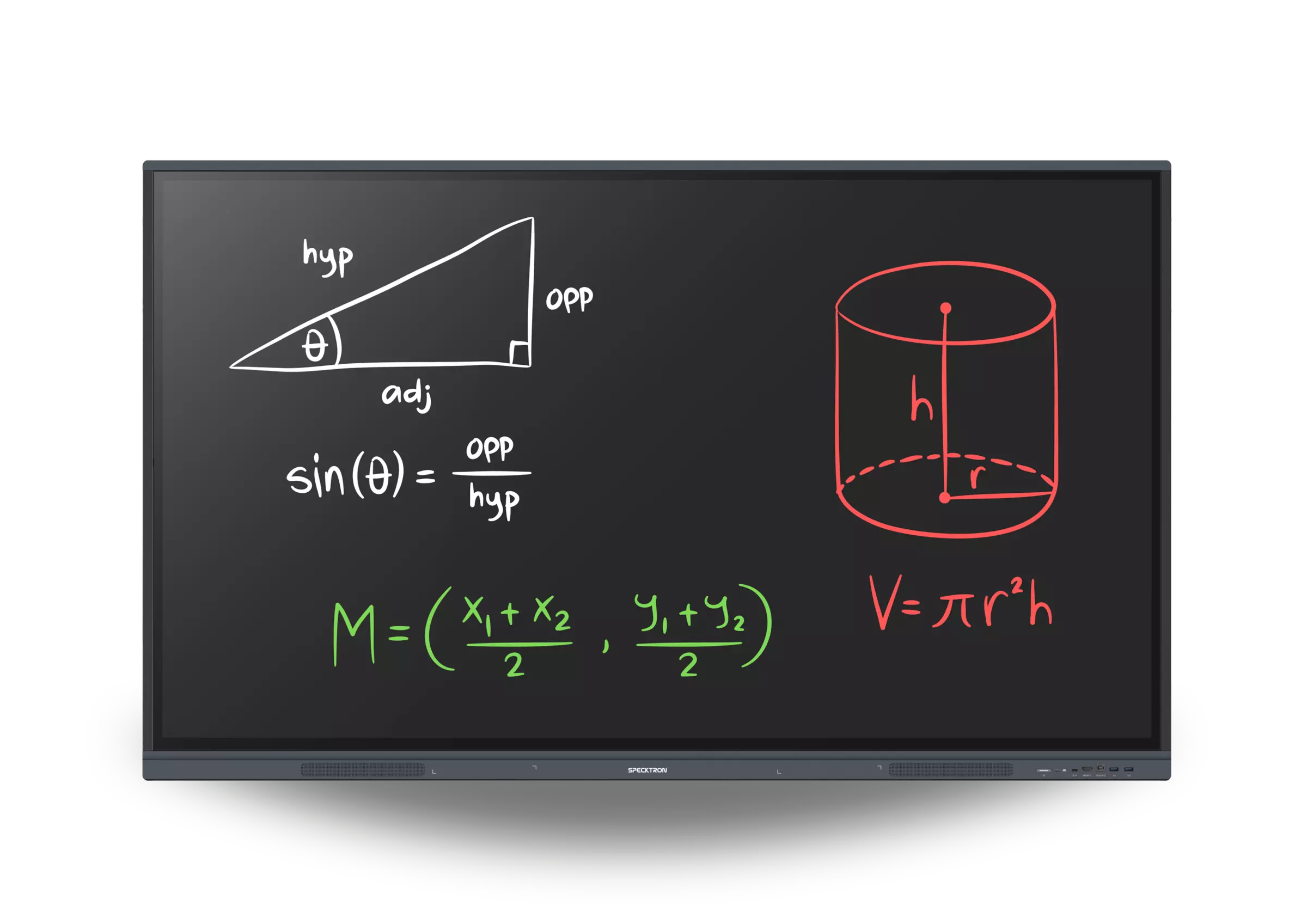
The interactive display is often the main interface between the teacher, students and digital content. It should be selected around more than screen size alone: visibility, touch interaction, connectivity and everyday teaching use all affect the experience.
- Viewing distance Select the display size around viewing distance and the position of students throughout the teaching space.
- Interaction Multi-touch operation allows teachers and students to work directly with lesson content at the display.
- Platform Build the system around the school's preferred teaching, collaboration and device environment.
- Expansion Connectivity and optional computing can allow the display to form part of a wider classroom AV system.
Make every lecturer easy to hear.
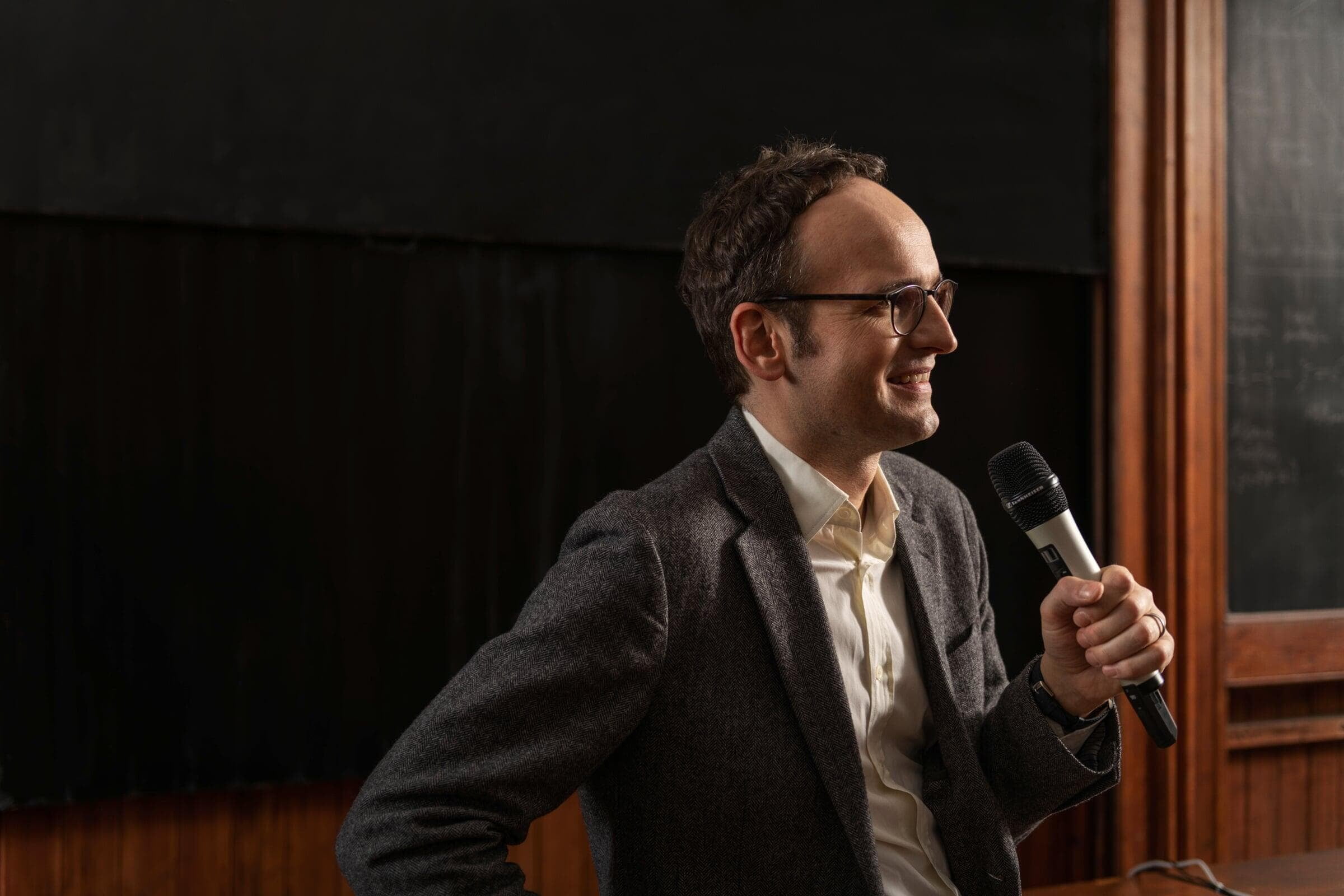
Sennheiser SpeechLine Digital WirelessTeaching rarely happens from one fixed position. Wireless microphones allow lecturers and presenters to move naturally around the space while maintaining consistent speech level for the local audience, recording or remote participants.
- Lecturer use Bodypack, handheld and headworn options can be selected around the presenter and the way they move through the teaching space.
- Guest speakers Handheld formats provide a familiar option for visiting presenters, questions and flexible teaching environments.
- System integration Wireless speech can feed the local loudspeaker system, recording, conferencing or lecture-capture workflow as required.
- Simple management The system can be planned for dependable everyday operation rather than constant technical adjustment.
Deliver clear sound throughout the space.
Biamp Desono ceiling & installed loudspeakersClassroom audio should allow every listener to hear speech and programme material clearly without making the loudspeaker system visually intrusive. Distributed ceiling loudspeakers can provide consistent coverage while integrating cleanly into the architecture.
- Even coverage Loudspeaker quantity and positioning can be planned around the listening area rather than relying on one high-level source at the front.
- Speech clarity The system can be designed primarily around intelligible teaching and presentation throughout the seating area.
- Programme audio Video, presentations and other teaching material can use the same properly designed installed-audio system.
- System integration Loudspeakers, amplification, processing and source audio can be specified together as one complete system.
Plan coverage before hardware.
Bridge AV can help work from dimensions, ceiling height, teaching position and seating layout to determine the most appropriate loudspeaker approach. Smaller classrooms, lecture spaces and multi-purpose teaching environments do not all need the same layout or system scale.
- Ceiling heightMatch spacing and coverage to the actual mounting height.
- Listening areaFocus coverage on the places where students and staff need it.
- ProcessingUse DSP and level control where the acoustics or system require it.
- ScaleBuild from a simple classroom to a larger distributed teaching system.
Improve clarity through acoustic treatment.
ISINAC acoustic treatment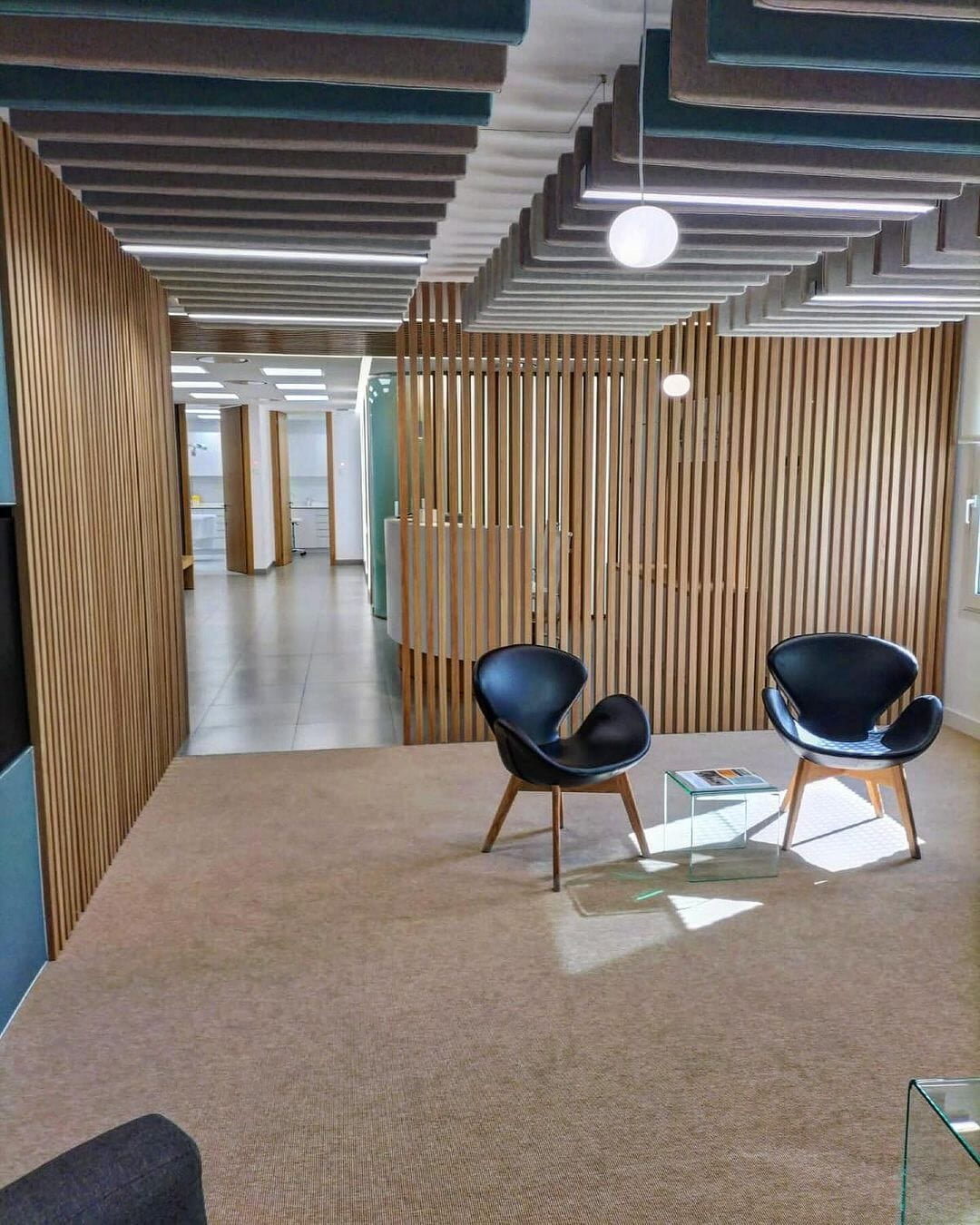
Reverberation and background noise directly affect how easy it is to understand speech and concentrate in a teaching space. Acoustic treatment can reduce unwanted reflections and support a more comfortable environment for both learning and communication.
- Speech Reducing excessive reflections can help spoken-word clarity before additional electronic reinforcement is considered.
- Concentration A better controlled acoustic environment can make teaching spaces more comfortable for sustained listening and discussion.
- Architecture Ceiling and wall treatment can be selected around the available surfaces and the visual requirements of the space.
- System design Treatment and loudspeaker design can be considered together rather than trying to solve every acoustic problem electronically.
Extend teaching beyond the classroom.
PTZ & tracking camera solutionsLecture capture and hybrid teaching require the camera system to follow the way the space is actually used. Camera position, zoom range, tracking, control and integration with the audio system should all be considered as part of the same design.
- Teaching position Frame lecterns, teaching walls, demonstration areas and presenters appropriately from the available camera positions.
- Tracking Automated tracking can allow presenters to move naturally without requiring a dedicated camera operator.
- Wide views Additional positions can support questions, demonstrations and wider coverage where the workflow requires it.
- Recording Camera and programme audio can provide a clean source for lecture capture, streaming or remote-learning platforms.
Plan cameras around the workflow.
A camera specification should start with what needs to be seen and who will operate the system. Bridge AV can help match PTZ and tracking options to space size, presenter movement and the level of automation required.
Make connection simple.
Alfatron presentation, switching & AV connectivityThe display may be the visible part of the system, but the installation still needs a reliable way of getting content to it. Switching, extension and signal transport should be planned around the teaching position and the devices staff are actually expected to use.
- USB-C & HDMI Provide straightforward connection for teaching devices, guest laptops and presentation sources.
- Extension Move USB and video signals over the distances required by the installation without relying on unsuitable desktop cabling.
- Switching Bring multiple teaching sources into one predictable workflow.
- Integration Connect displays, cameras, audio and presentation sources as one coordinated AV system.
Keep connection simple.
A teaching space should not depend on somebody understanding the rack before they can put content on screen. The signal path can be designed so everyday operation stays simple while the required switching and extension happens behind the scenes.
Bring every element together.
Bridge AV can support the project from the initial requirements through to product selection, helping make sure displays, microphones, loudspeakers, cameras, connectivity and accessibility work together rather than as separate equipment decisions.
Design accessibility in from the start.
Ampetronic hearing loop & Auracast solutionsAmpetronic
Accessible listening should be considered as part of the AV design rather than added after the installation has been completed. Bridge AV can support Ampetronic assisted-listening solutions around the teaching layout, the main audio system and the accessibility requirements of the space.
Tell us about the project.
Send us the dimensions, drawings, teaching layout, expected use and any existing equipment. Bridge AV can support the trade with system design, product selection and specification for classrooms, lecture theatres and wider education environments.