



Retail AV system design
Bridge AV supports trade customers specifying AV systems for shops, showrooms and larger retail environments. Typical projects can include commercial displays, interactive touchscreens, background audio, multi-zone control, signal distribution and acoustic treatment.
Plan the system around the retail space.
The correct equipment depends on where it will be installed, how customers will interact with it, the ambient light and acoustic conditions, how content will be distributed and how staff need to operate the system. These requirements should be established before individual products are selected.
Indoor advertising and information displays
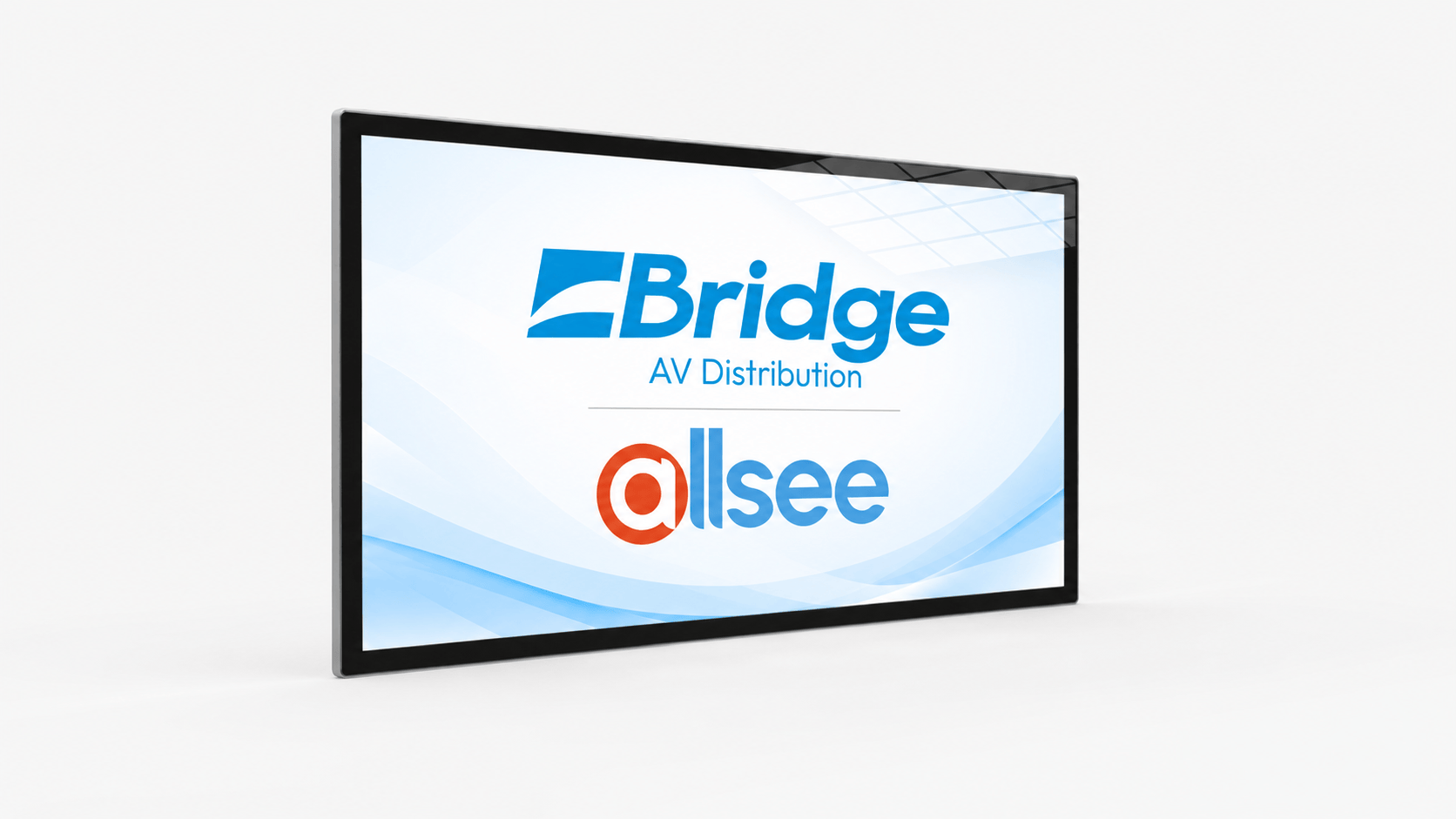
Allsee PF55HD9 - 55" Slimline Pro Advertising DisplayThe PF55HD9 is a suitable example for general wall-mounted digital signage inside a retail environment. It is a commercial 55-inch display designed for continuous operation and can be installed in landscape or portrait orientation.
- Brightness The 450 cd/m² panel is suited to normal indoor retail environments. Displays facing directly through bright shopfront glazing may require a dedicated high-brightness model instead.
- Orientation Landscape or portrait installation can be selected around the available wall area, viewing position and format of the content.
- Content The integrated media platform allows signage content to be played without requiring a separate external player for straightforward applications.
- Installation Power, data access, mounting height and future service access should be considered before the final display position is fixed.
Customer-facing touchscreen applications
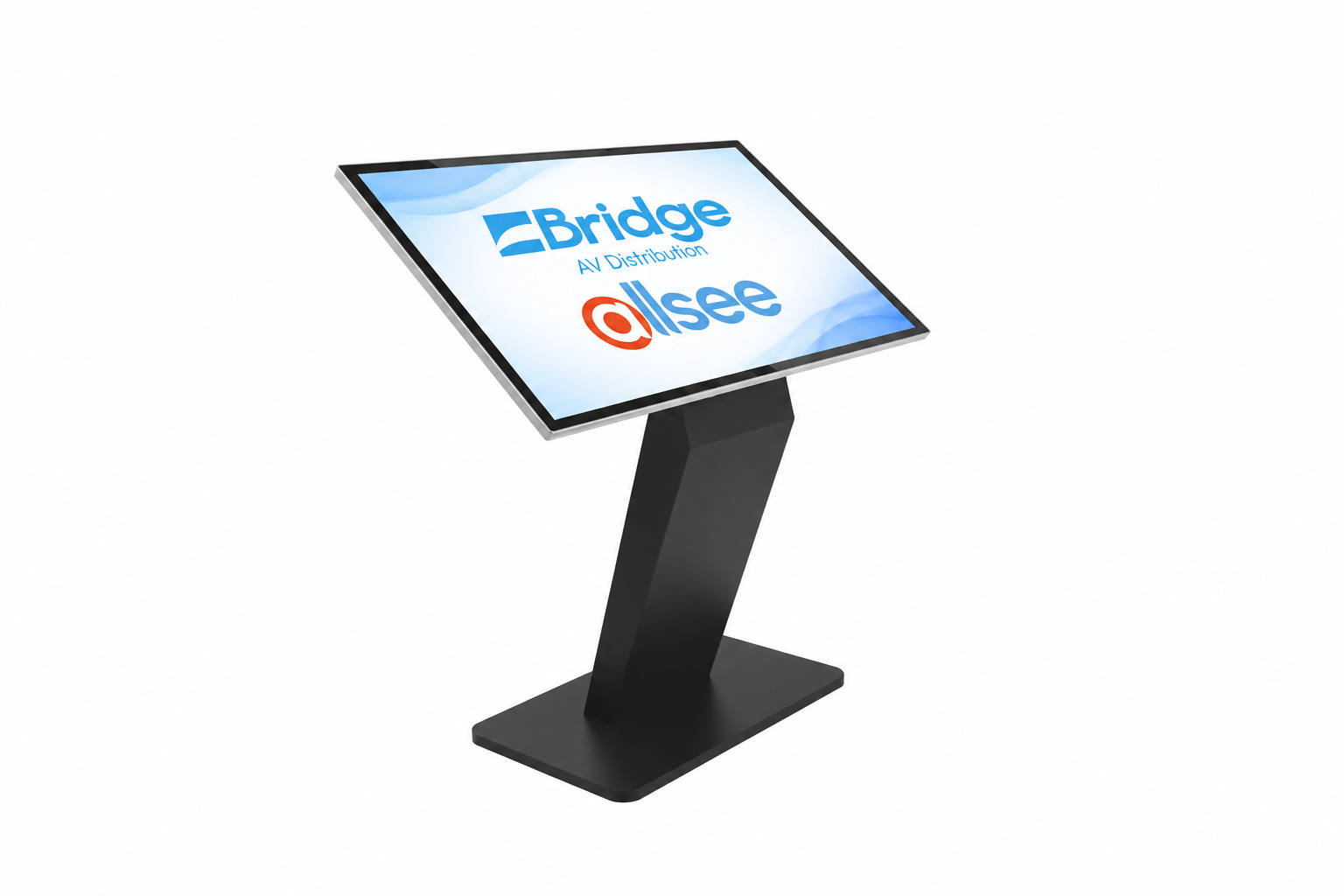
Allsee TAO43H - 43" Android PCAP Touch Screen KioskThe TAO43H is a freestanding interactive display suitable for product browsing, customer information, directories and interactive catalogues. It combines a commercial display with projected capacitive touch and an integrated Android platform.
- Position The kiosk should be positioned where customers can approach and use it comfortably without restricting entrances, circulation routes or access to merchandise.
- Application The touchscreen application should be defined before installation. This determines the operating system, network connection and any external equipment required.
- Connectivity Network connectivity allows interactive and remotely managed applications to be used, while the internal equipment space can accommodate additional hardware where required.
- Services Mains power and network provision should be planned at the intended kiosk position. Cables should not cross customer circulation areas.
Loudspeaker selection for retail spaces
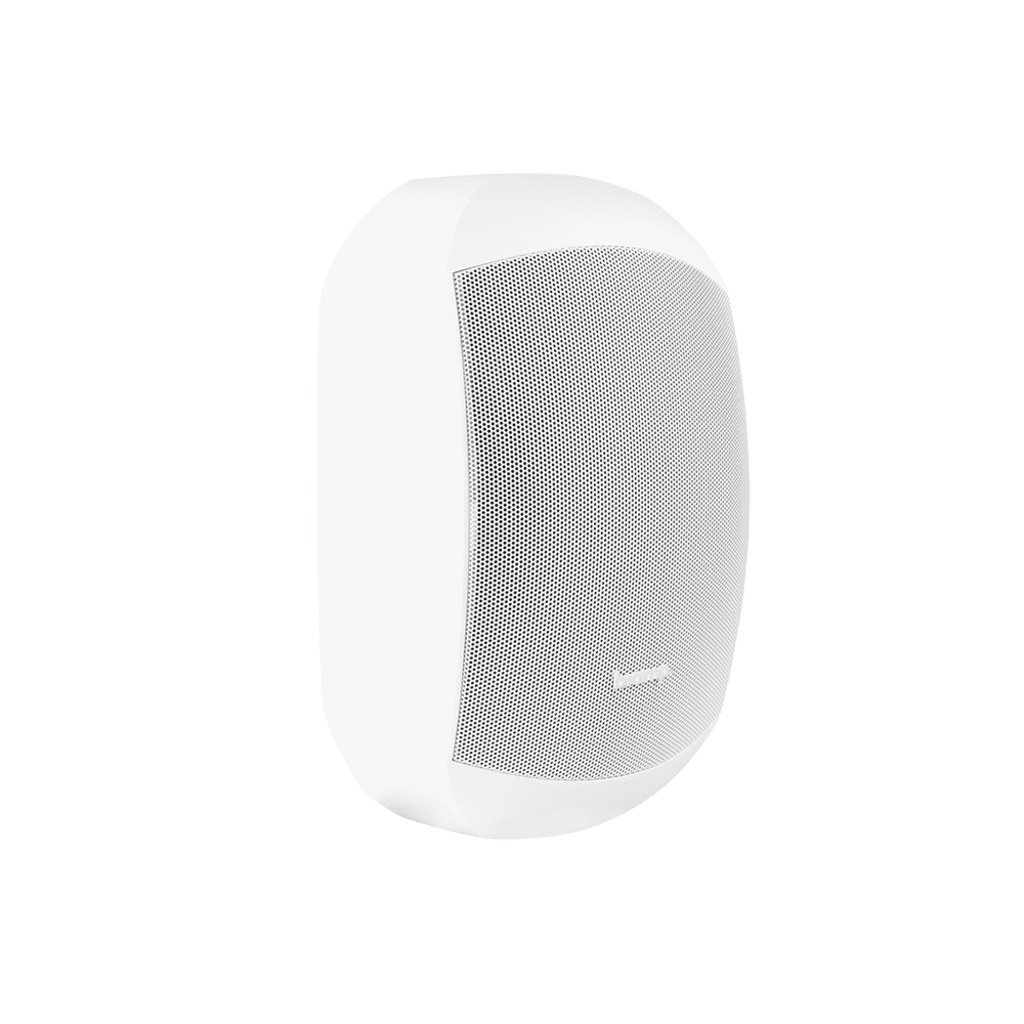
Biamp CM20DT & MASK6CTLoudspeaker type should be selected around the building construction as well as the required audio coverage. Ceiling loudspeakers provide a discreet solution where suitable ceiling space is available, while surface-mounted loudspeakers provide an alternative for open ceilings, solid ceilings and wall-mounted installations.

- Ceiling mount A product such as the CM20DT suits suspended or accessible ceilings where distributed background music coverage is required.
- Surface mount The MASK6CT provides a wall or surface-mounted option where recessed ceiling installation is unsuitable or more directional coverage is required.
- Coverage Loudspeaker quantity and positioning should be considered around floor area, ceiling height, coverage pattern and the required listening level.
- Amplification Amplifier capacity and 70 V/100 V system design should be established after loudspeaker quantity, power taps and required audio zones are known.
Multi-zone retail audio
Larger stores and mixed-use retail spaces can be divided into separate audio zones. This allows levels, sources and announcements to be managed according to how each part of the building is used.
Connecting displays to remote equipment
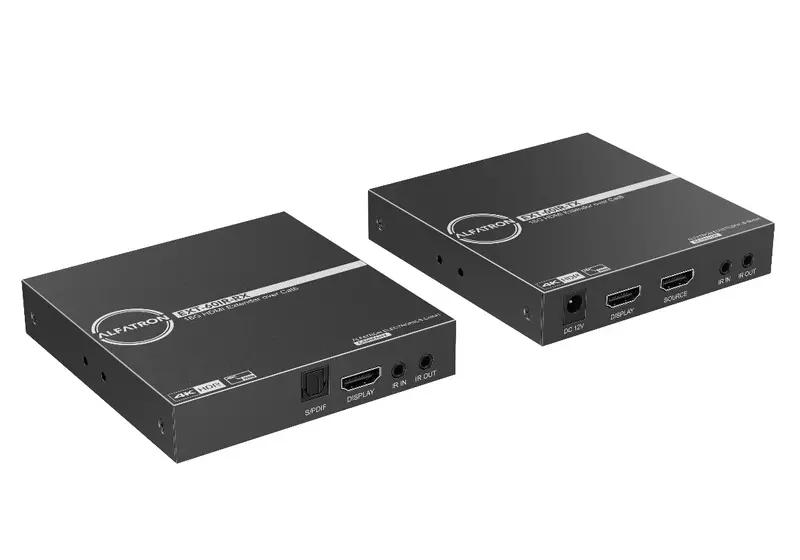
Alfatron Signal Extension & ConnectivityDisplays using their own integrated media player may require little additional signal infrastructure. Where external sources or central equipment are used, the distance between the source and display should be considered before cabling is installed.
- Source location Establish whether content originates locally at the display or from equipment in a central rack, communications room or other remote location.
- Cable distance Longer runs between equipment and displays may require dedicated signal extension rather than conventional short HDMI connections.
- Cable routes Signal routes should be coordinated with power and data infrastructure while the retail fit-out is being designed.
- Access Transmitters, receivers and connection points should remain accessible for testing and maintenance after installation.
Acoustic control in reflective retail interiors
ISINAC Professional Acoustic TreatmentHard flooring, glazing, exposed ceilings and large open spaces can create excessive reverberation in some retail interiors. Acoustic treatment can be considered where the room itself is reducing the clarity of music, announcements or conversation.
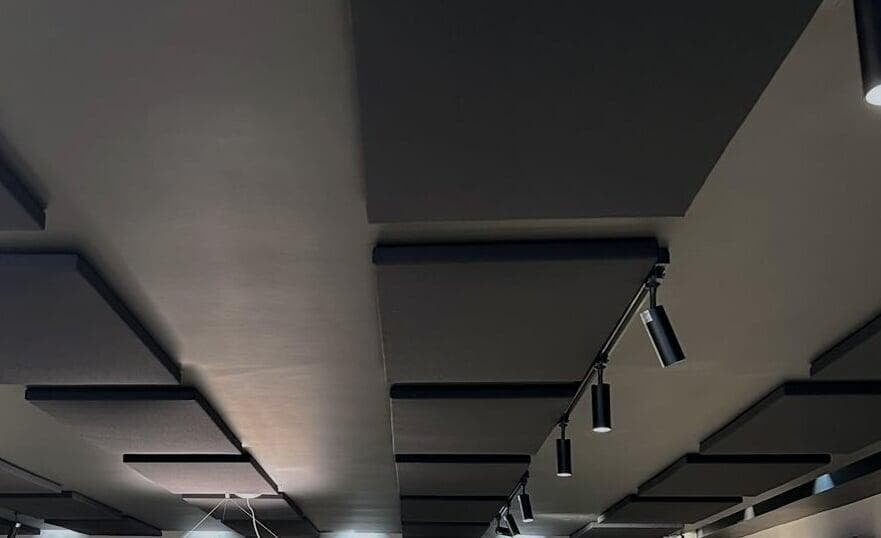
- Room finishes Glass, concrete, hard flooring and other reflective surfaces should be considered when assessing the acoustic requirement.
- Reverberation Treatment can reduce persistent reflections in large or acoustically hard areas.
- Speech Reducing reverberation can improve the intelligibility of announcements and face-to-face communication.
- Placement Panel quantity and position should be developed around the available surfaces, room geometry and required acoustic performance.
AV infrastructure for permanent installations
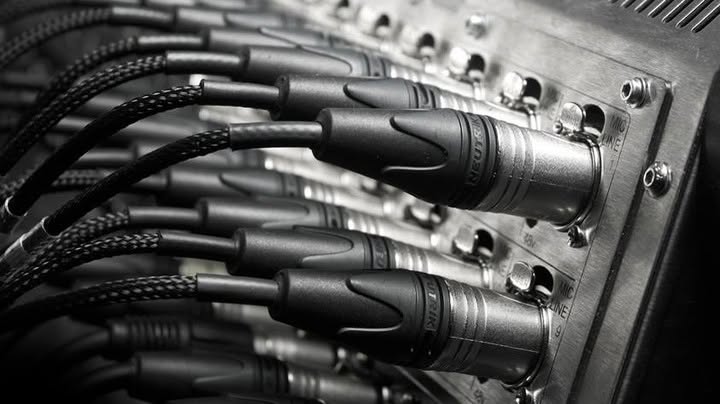
Neutrik Professional ConnectivityAV cabling and termination should be considered alongside the electrical and network infrastructure of the retail fit-out. Planning connection points and equipment locations early reduces the need for exposed cabling or difficult alterations later.
- Cable routes Identify routes between displays, loudspeakers, equipment positions and network infrastructure before walls and ceilings are closed.
- Connections Use suitable professional connection formats for permanently installed audio, video, data and control infrastructure.
- Equipment access Allow access to connectors, media players, network hardware and other equipment that may require testing or replacement.
- Expansion Where practical, consider future displays, loudspeakers or equipment positions while cable routes are still accessible.
Send us the retail project requirements.
Provide the floor plans, dimensions, proposed display positions, audio areas and an overview of the required system. Bridge AV can assist with product selection, system architecture and specification for the complete retail AV installation.